

Manual Sending (On-hook dial)
Press  (FAX), check the receiving tone from the destination machine, and then send a fax.
-
Press
(FAX).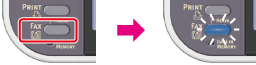
-
Set a document in the ADF or on the document glass.
-
Press
(FAX) and input the fax number of the destination. -
Change [Fax Functions] if necessary.
-
After you hear the receiving tone (beep) of the destination machine, press
 (START).
Transmission starts.