

Checking the Transmission History and Reception History
You can check the transmission history and reception history.
-
Press
 (FAX).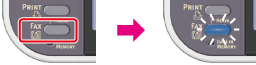
-
Set a document in the ADF or on the document glass.
-
Press
 to select [Internet Fax], and then press
  (OK).
(OK).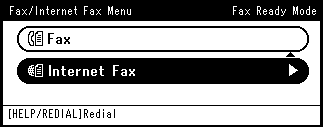
-
Press
to select [Fax History], and then press (OK). -
Press
to select [Tx History] or [Rx History], and then press (OK). -
Press
to select a history to check, and then press (OK). -
Check the history content, and then press
(OK).