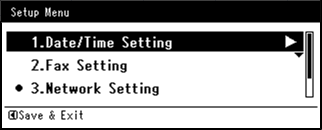
Setting Manually
-
Press
 (SETTING).
 -
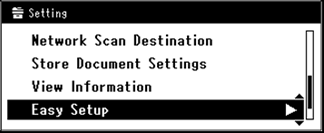
Press
 to select [Easy Setup], and then press
  (OK).
(OK).
-
Enter the administrator password.
-
Select [Enter], and then press
(OK). -
Press
to select [Network Setting], and then press (OK).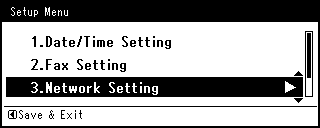
-
Check that [Manual] is selected, and then press
(OK).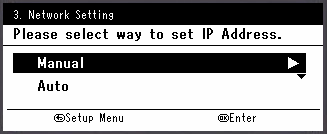
-
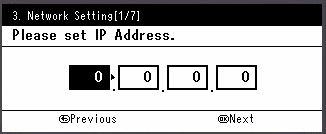
Enter the IP address, and then press
(OK).To move to the next box, press
 .
.
-
Enter the subnet mask, and then press
(OK).To move to the next box, press
. -
Enter the default gateway address, and then press
(OK).To move to the next box, press
. -
Enter the DNS server and WINS server. (Be sure to enter if you use Scan to E-mail, Internet Fax, Scan to Fax Server, or Scan to Shared Folder.)
If the DNS server and WINS server are not required for the network connection, press
(OK) until the pop-up message is displayed to inform you that the setting is complete. -
When the Setup Menu screen is displayed, press
(OK) to complete the setup.