-
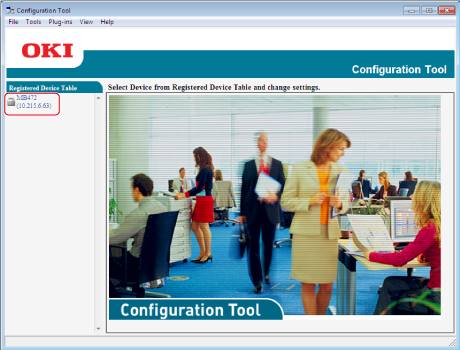
Click [Start], and then select [All Programs] > [Okidata] > [Configuration Tool] > [Configuration Tool].
-
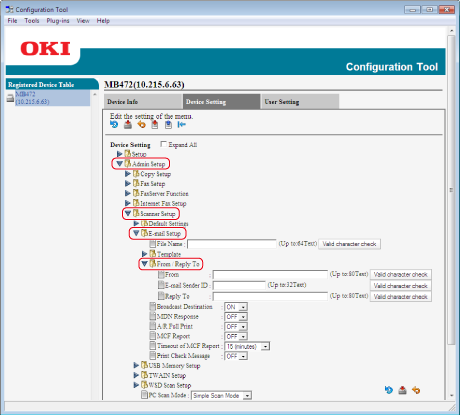
Select the machine from [Registered Device Table].
-
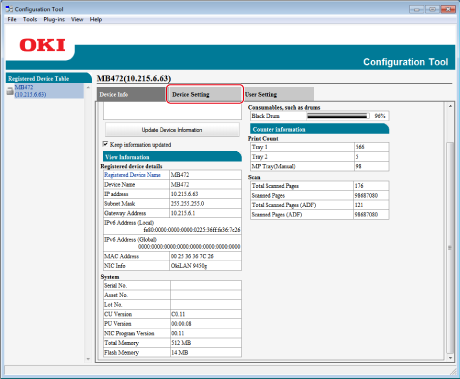
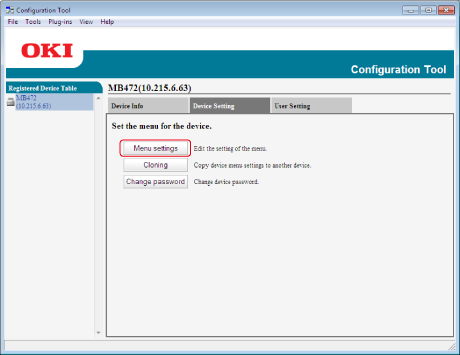
Select the [Device Setting] tab.
-
-
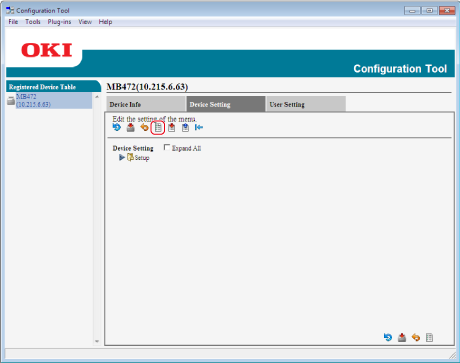
Click  (Display administrator settings).
-
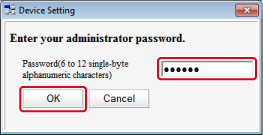
Enter the administrator password, and then click [OK].
-
Click  in order of [Admin Setup] > [Scanner Setup] > [E-mail Setup] > [From/Reply To].
-
Select [From], and then enter an address in [From].
-
Click [Valid character check] to check the address in [From].
-
Click  (Save to device).