For the Network Connection
Connect this machine to a network, and then install a driver or utility.
You can select one of the following installation methods.
-
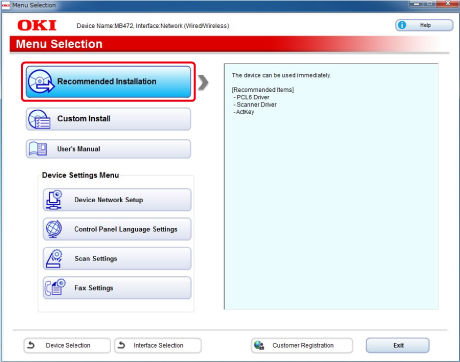
[Recommended Install]: Installs recommended drivers and software automatically.
-
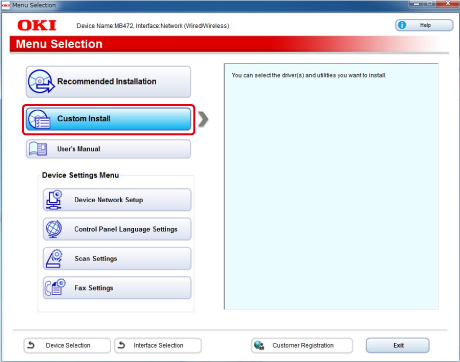
[Custom Install]: Installs drivers and software you select to install.
Note
Check the status of this machine before installing.
-
This machine is turned on.
-
This machine is connected to a network with a network cable.
-
The IP address or other settings are set.
Installing Software with Recommended Install
With recommended install, the following software is installed.
-
PCL6 driver
-
Scanner driver
-
ActKey
-
Insert the "Software DVD-ROM" into a computer.
-
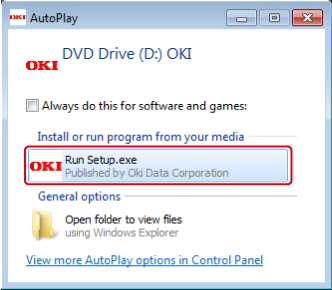
When [AutoPlay] is displayed, click [Run Setup.exe].
Memo
If the [User Account Control] dialog box is displayed, click [Yes].
-
Select a language from the drop-down list.
-
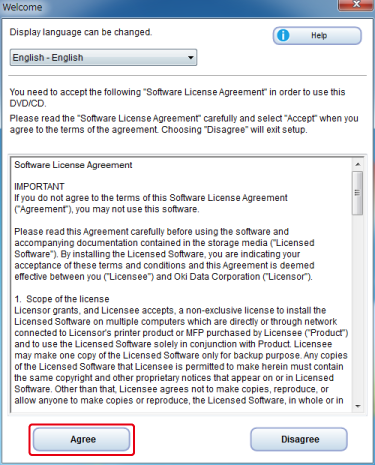
Read the license agreement, and then click [Agree].
-
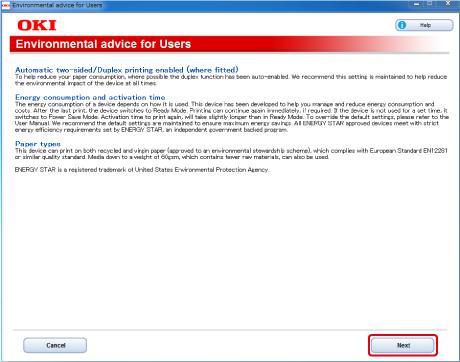
Click [Next].
-
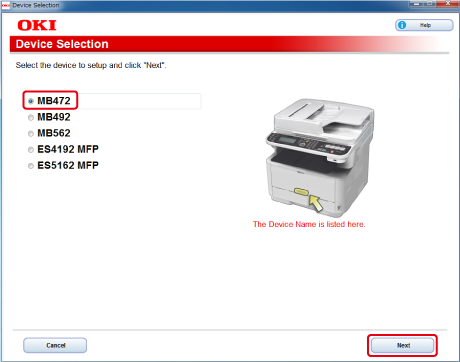
Select the model name of this machine, and then click [Next].
-
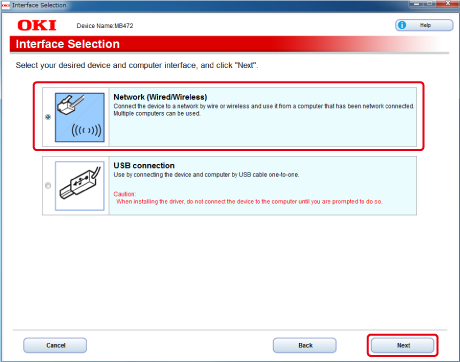
Select [Network (Wired/Wireless)], and then click [Next].
-
Click [Recommended Install].
-
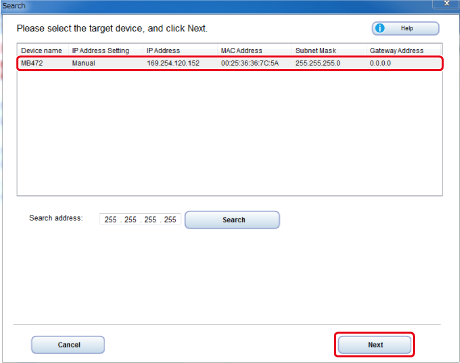
Select the model name of this machine, and then click [Next].
-
Click [Exit].
Installing Software You Want to Use with Custom Install
With custom install, you can select software to use from the following software.
-
PCL6 driver
-
PS driver (ES4172LP MFP only)
-
XPS driver
-
FAX driver
-
Scanner driver
-
ActKey
-
OKI LPR Utility
-
Configuration Tool
-
Print Job Accounting Client software
-
Insert the "Software DVD-ROM" into a computer.
-
When [AutoPlay] is displayed, click [Run Setup.exe].
Memo
If the [User Account Control] dialog box is displayed, click [Yes].
-
Select a language from the drop-down list.
-
Read the license agreement, and then click [Agree].
-
Click [Next].
-
Select the model name of this machine, and then click [Next].
-
Select [Network (Wired/Wireless)], and then click [Next].
-
Click [Custom Install].
-
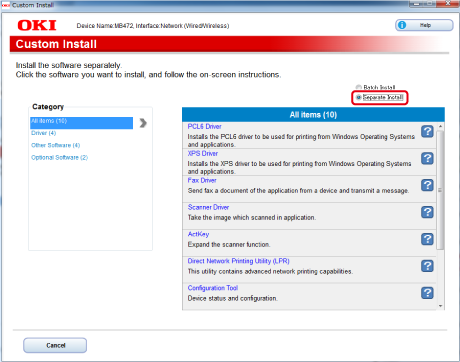
Click [Separate Install].
-
Click a driver or software to install.
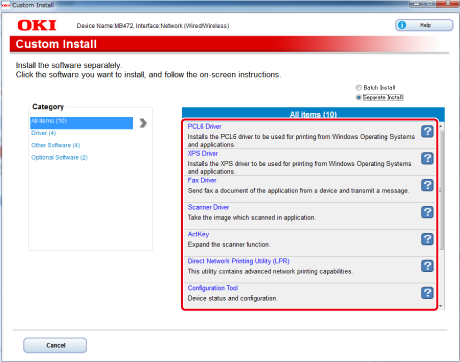
Installation starts.
-
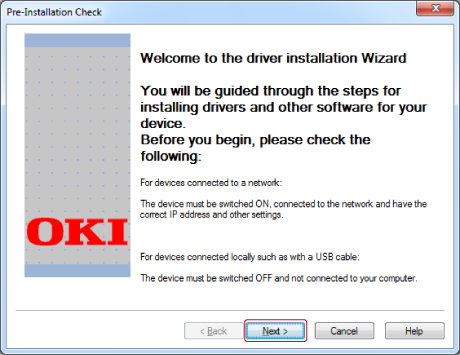
Click [Next].
-
Select this machine and driver, and then click [Next].
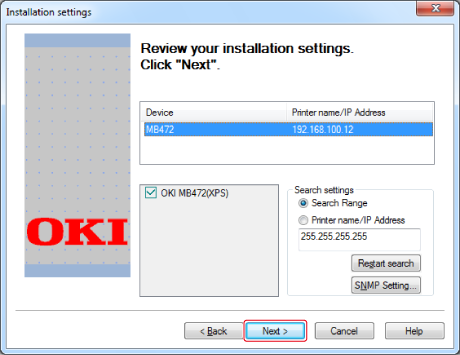
-
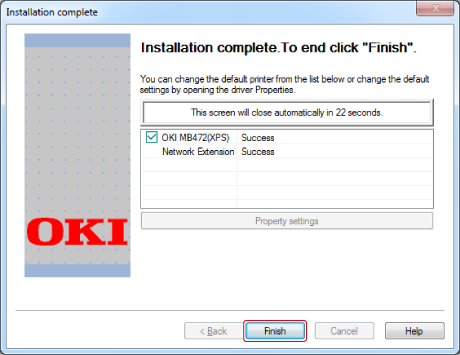
Click [Finish].