

Registering the Fax Numbers and Sender Name
Set the fax number of the machine and sender information.
-
Press
 (SETTING).
 -
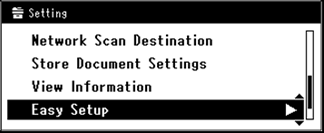
Press
 to select [Easy Setup], and then press
  (OK).
(OK).
-
Enter the administrator password.
-
Select [Enter], and then press
(OK). -
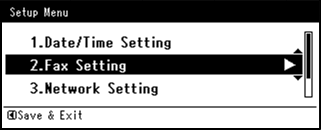
Press
to select [Fax Setting], and then press  .
.
-
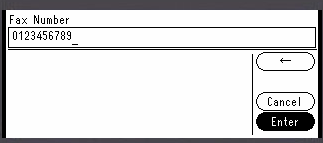
Press
to select the [Fax Number] entry box.
-
Enter the fax number of this machine by using the 10-key pad.
-
Check that [Enter] is selected, and then press
(OK). -
Press
to display the [Sender ID] entry screen. -
Enter any sender information.
You can enter up to 22 characters.
Memo
When the recipient prints a fax, the sender information that you enter here is printed on the fax.
-
Select [Enter], and then press
(OK). -
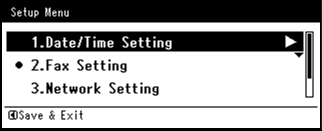
When the Setup Menu screen is displayed, press
 .
.
-
Select [Yes], and then press
(OK).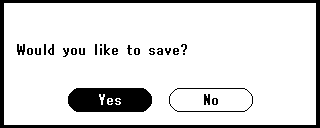
-
Press
until the top screen is displayed.