

About Scan to E-mail
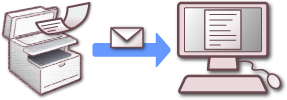
Scan to E-mail is a function that enables you to send a document that is scanned with this machine as an e-mail attachment file.
Select a destination from the address book. As with fax operations, you can send a scanned document to a recipient just by specifying a destination and pressing the START button. Any computer and e-mail software are not required.
You can use this function, such as when sending handwritten documents immediately, or sending confidential paper documents instead of carrying them around.
Memo
The number of pages of a document you can send varies depending on the available mail capacity.
To use the Scan to E-mail function, you must set the following default settings.
Set a network of this machine.
Setting an IP Address from the Operator Panel on This Machine
Using the Software DVD-ROM (For Windows)
Connecting This Machine to a Network
Register the E-mail Address of the Machine and Server Information