

Using Scan to USB Memory
-
Press
 (SCAN).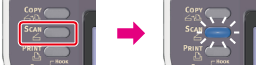
-
Set a document in the ADF or on the document glass.
-
Insert USB Memory into the USB port.
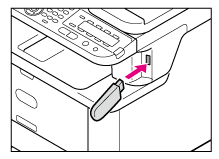
Note
Insert USB Memory straight into the USB port. Inserting USB Memory at a wrong angle may damage the USB port.
-
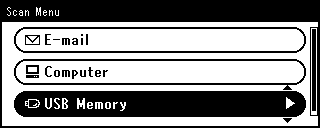
Press
 to select [USB Memory], and then press
  (OK).
(OK).
-
Set scan settings if necessary.
-
Press
 or
or  .
.Scanning starts.
-
When a message is displayed to inform you that you can remove USB Memory from the port, remove it.