

For Windows
-
Press
 (SCAN).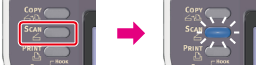
-
Set a document in the ADF or on the document glass.
-
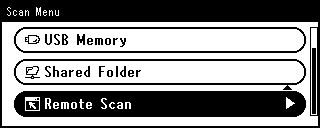
Press
 to select [Remote Scan], and then press
  (OK).
(OK).
-
Check that [TWAIN] is selected, and then press
(OK). -
Start ActKey on the computer.
If the scanner selection screen is displayed, select [OKI MB5(4)x2/ES5(4)1x2 USB] or [OKI Universal Twain USB] for a USB connection or [OK MB ******] or [OKI Universal Twain ******] for a network connection, and then click [OK].
-
Click a scan button on the launcher.
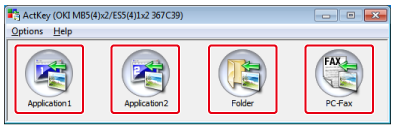
Scanning starts.