

For Mac OS X
The following procedure uses Image Capture as an example.
-
Press
 (SCAN).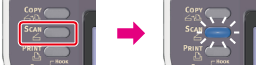
-
Set a document in the ADF or on the document glass.
-
Press
 to select [Remote Scan], and then press
  (OK).
(OK).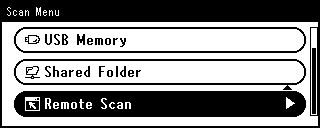
-
Check that [TWAIN] is selected, and then press
(OK). -
Start Image Capture on the computer.
-
Select this machine from the list on the left side of Image Capture.
-
Click [Scan].
Scanning starts.