

Sending Data to the Fax Server
-
Press
 (FAX).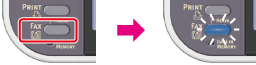
-
Set a document in the ADF or on the document glass.
-
Check that [Fax] is selected, and then press
 (OK).
(OK).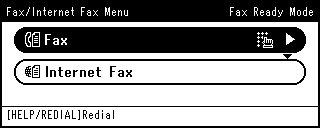
-
Check that [Add Destination] is selected on the start screen, and then press
(OK). -
Specify a destination.
Specify a destination in one of the following ways.
-
Press
 (START).