OKI Data


  • Site Map

  • Top Page
  • Copy
  • Scan
  • Print
  • Fax
Top PageConvenient to Use
  • Table of Contents
  • My Contents
  • History

Convenient to Use

Register the Complicated Print Settings in the Printer Driver

Registering Frequently-used Settings

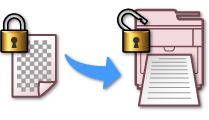
Use Encryption to Protect against Data Leaks

Encrypting a PDF File

Setting a Password and Encrypting the Print Data (Encrypted Authentication Print)

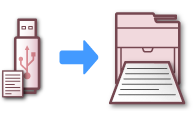
Easily Print from USB Memory without Using your Computer

Printing Data in USB Memory with Various Settings

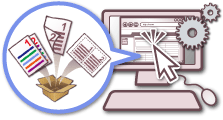
Combine Multiple Procedures into One, and Access Them with the Touch of a Button

Operating a Frequently-used Setting with a One-touch Key (JOB MACRO)

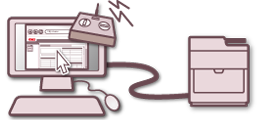
Receive E-mail Notification when Consumable Items Need to be Replaced

Setting to Send an E-mail from This Machine Regularly

Setting to Send an E-mail from This Machine Only if an Error Occurs

Create Your Own Banners

Printing on Long Paper

Create Your Own Event Posters

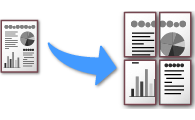
Dividing a Document to Print on Some Sheets for Making a Poster

Create Your Own Saddle-bound Booklets

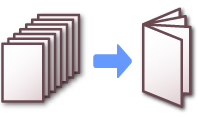
Making a Booklet

Send Paperless Faxes from Your Computer

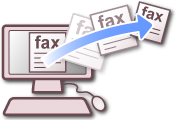
Sending a PC Fax

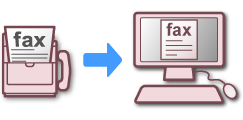
Preview Incoming Faxes via E-mail

Forwarding Received Document Data to an E-mail Destination or Shared Folder (Auto Delivery)

Saving Sent and Received Data (Transmission Data Save)

Scan Bulky Documents to Reduce Clutter

Scanning Data to a Computer (Scan to PC)

Scanning from a Computer (Remote Scan)

Change the Settings Remotely

About Configuration Tool

Using the Web Page of This Machine


si_000001
  • Trademarks and Other Information
  • License
  • Contact Us

Copyright © 2014 Oki Data Corporation. All rights reserved.