

Using a One-touch Key
You can select an e-mail address that is registered to the speed dial list with a one-touch key.
The speed dial numbers 01 to 16 are automatically assigned to the one-touch keys.
-
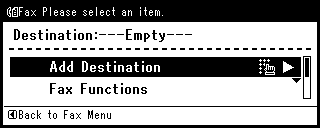
Press a one-touch key on the start screen.
To select the speed dial numbers 09 to 16 that are assigned to the one-touch keys, press the one-touch key while pressing and holding
 (SHIFT).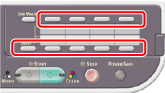
Memo
You can use the one-touch keys on the screen that is displayed after pressing  (FAX). In such a case, the start screen is displayed after pressing a one-touch key, and you can set scanning for transmissions.