

Specifying a File Name
You can specify a name of a scanned data file.
-
Press
 (FAX).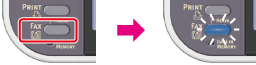
-
Set a document in the ADF or on the document glass.
-
Press
 to select [Internet Fax], and then press
  (OK).
(OK).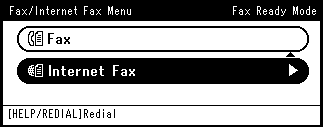
-
Press
to select [Scan Setting], and then press (OK).
-
Press
to select [File Name], and then press (OK).
-
Enter a file name.
You can enter up to 64 characters.
Memo
If you do not specify a file name, the factory default setting name is used.
-
Select [Enter], and then press
(OK). -
Specify a destination.
Specify a destination in one of the following ways.
Selecting from the Address Book or Group List
-
Press
 (START).
Transmission starts.