

Disclosing a Sender Name (Originator) to the Recipient
You can set the machine so that a sender name (originator) can be printed on sent faxes. [TTI] is enabled by factory default, resulting in the name that you specify with [Sender ID] printed.
-
Press
 (FAX).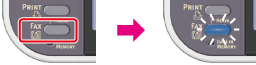
-
Set a document in the ADF or on the document glass.
-
Check that [Fax] is selected, and then press
 (OK).
(OK).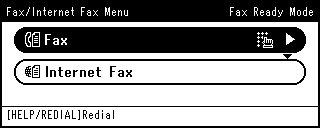
-
Press
 to select [Fax Functions], and then press (OK).
 -
Press
to select [TTI], and then press (OK).
You can change the sender name (originator) to use.
-
Press
to select [ON], and then press (OK).
-
Specify a destination.
Specify a destination in one of the following ways.
Selecting from the Transmission History and Reception History
-
Press
 (START).
Transmission starts.